Support Sign up or sign in
Create your Steer account or sign in
Choose one option below. Each guide shows every screen of the Steer Astro app with pictures, step by step.
New user · Easiest
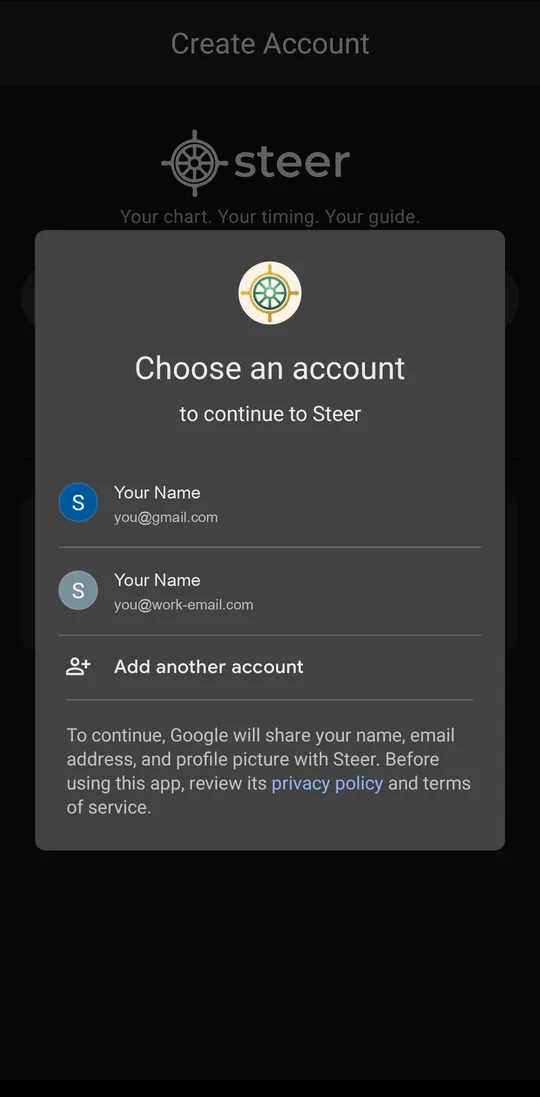 See the steps →
New user
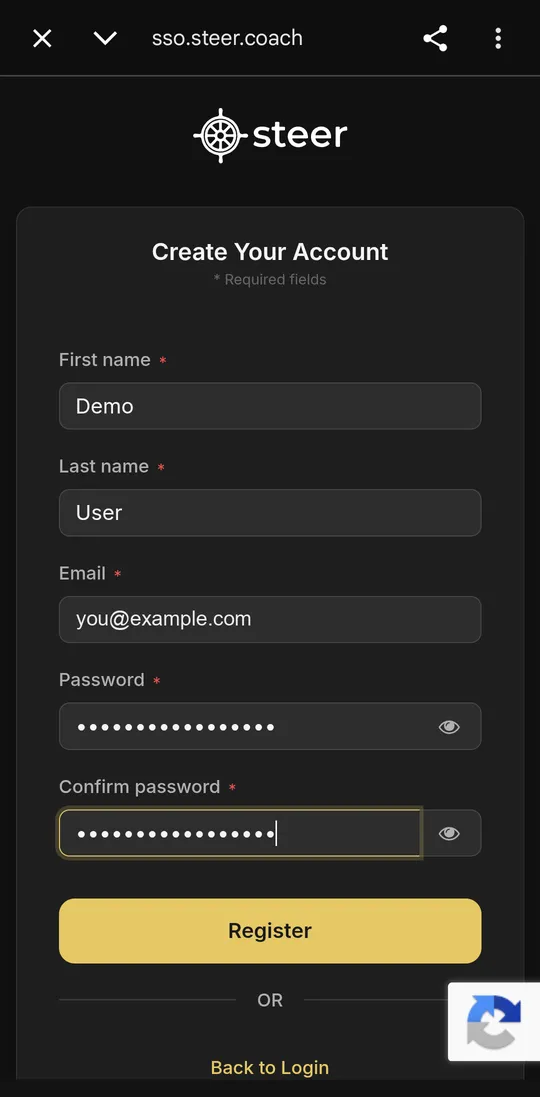 See the steps →
Already have an account
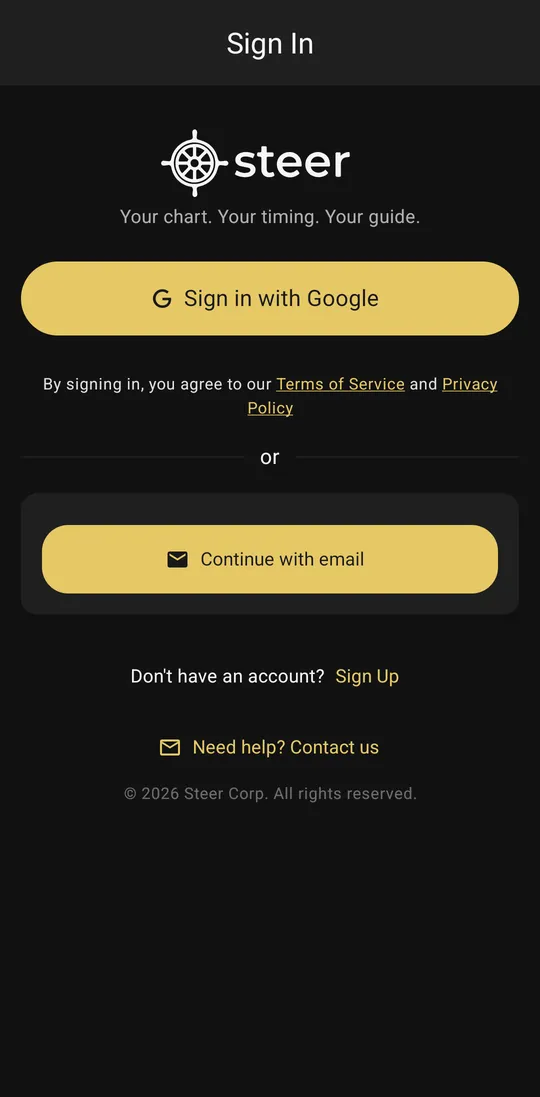 See the steps →
Sign up with Google
Use your Google (Gmail) account. No password needed. Takes about 2 minutes.
See the steps →
New user
Sign up with email
Use any email and make a password. We send you an email to check it. Takes about 3 minutes.
See the steps →
Already have an account
Sign in
You made a Steer account before. Use this to sign in again, or if you forgot your password.
See the steps →
Not sure if you have an account? Did you type your email and a password in Steer before? Then you already have an account. Choose Sign in.
What you need
- An Android phone.
- The Steer Astro app from Google Play.
- Your Google (Gmail) account, or any email that you can open.
- Your birth date, birth time, and birth place. If you do not know the exact time, a close guess is OK.
Still need help? Email us at support@steer.coach. Tell us the email you used. Add a screenshot of your screen. You can also tap Need help? Contact us inside the app.